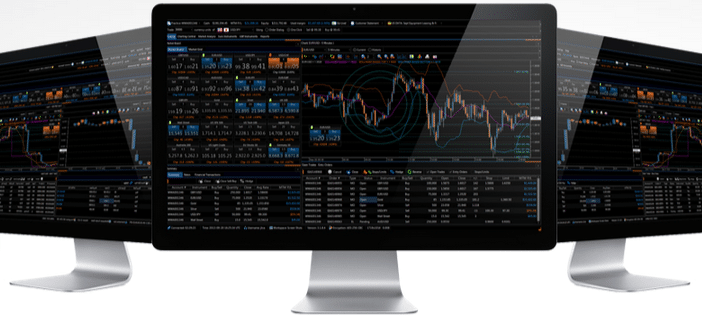
MetaTrader 4 (MT4) is a popular trading platform used by millions of traders worldwide. With its user-friendly interface and advanced features, it has become the go-to choice for many traders. And with the availability of MT4 on Android devices, trading has become even more convenient and accessible. In this blog post, we will provide a step-by-step guide on metatrader 4 android device.
Step 1: Download MetaTrader 4
The first step is to download the MetaTrader 4 app from the Google Play Store. Simply search for “MetaTrader 4” and click on the install button.
Step 2: Open the App
Once the app is installed, open it from your device’s home screen or app drawer.
Step 3: Login or Create an Account
If you already have an MT4 account, you can log in using your existing credentials. If not, you can create a new account directly from the app by clicking on “New Account.”
Step 4: Choose Your Server
After logging in or creating an account, you will be prompted to choose a server. Select your preferred server based on your broker’s name.
Step 5: Access Your Trading Account
Once connected to a server, you will see all of your trading accounts listed under “Accounts.” Tap on any account to access it.
Step 6: Explore Features and Tools
Now that you are logged into your trading account, take some time to explore all of MT4’s features and tools available for Android users. You can access charts, indicators, trade history, news updates and more through different tabs at the bottom of the screen.
Step7 : Place Trades
To place trades using MT4 for Android , tap on “Quotes” at the bottom menu bar and select the currency pair you want to trade. Then, tap on “New Order” and fill in the necessary details such as lot size, stop loss, and take profit levels.
Conclusion:
Using MetaTrader 4 on Android is a convenient way to stay connected to the markets at all times. With its user-friendly interface and advanced features, it is a powerful tool for traders of all levels. By following these simple steps, you can start using MetaTrader 4 on your Android device and take advantage of its many benefits for successful trading.